
SidePane
FeaturedUnfold a second screen for your Mac, with touch and Apple Pencil.
Category
Productivity apps use the larger inner display for a sidebar or a second page, and half folding turns iPhone Duo into a small laptop, with the page above the fold and a keyboard below. Several keep working on the cover screen when the phone is closed.
Of the 14 productivity apps, 9 work in tabletop mode, 7 use the cover screen, 4 work in book mode and 4 use the hinge as a control. 11 are free.
14 appsUpdated Checked against the App Store
Unfold a second screen for your Mac, with touch and Apple Pencil.
Bookmark one page. Read on the other.
Half fold it into a typewriter: the page on top, the keys below.

Markdown files as an open book, with two pages meeting at the hinge.

A workspace for every pose, with a keyboard and trackpad in tabletop mode.

A busy sign for your desk: fold it into a tent and it faces the room.
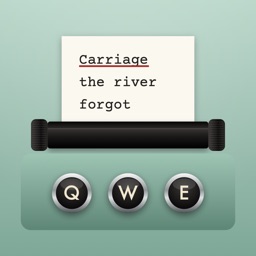
A typewriter with the page on top and a full keyboard on the bottom half.
An odometer for your hinge, counting every fold on metal-framed drums.

A focus timer you start by closing the phone, building a city as you work.

A pocket notebook with its cover outside and a two-page spread inside.

Speaker countdown clock with a lectern mode for a half-open Duo.

Control your Mac like a pocket laptop: its desktop on top, keyboard and trackpad below.
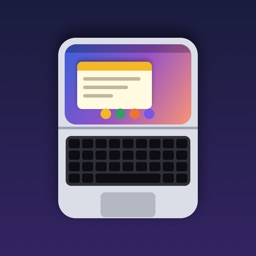
Fold to about 45° for a pocket laptop: a little desktop on top, keyboard and trackpad below.
Jot on the cover screen, unfold to see it sorted, fold shut to add it to your calendar.
14 productivity apps in this directory have confirmed iPhone Duo support, including SidePane, Sidepage PDF, Halfpage and MarkRead - Markdown Reader. Each listing names the app version and App Store text that confirms it.
Every app is reviewed by hand and listed only when its App Store description or release notes confirm iPhone Duo support. Each app page shows the version that confirmed it and when the listing was last checked.