SidePane
FeaturedUnfold a second screen for your Mac, with touch and Apple Pencil.

Productivity · iPhone Duo app
by Rehaan Patel
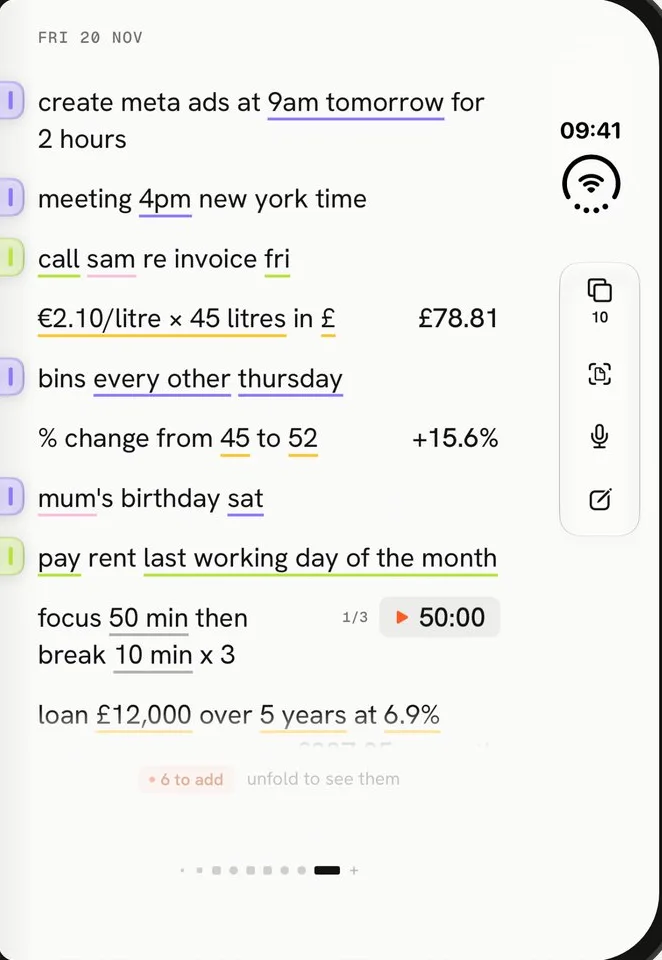
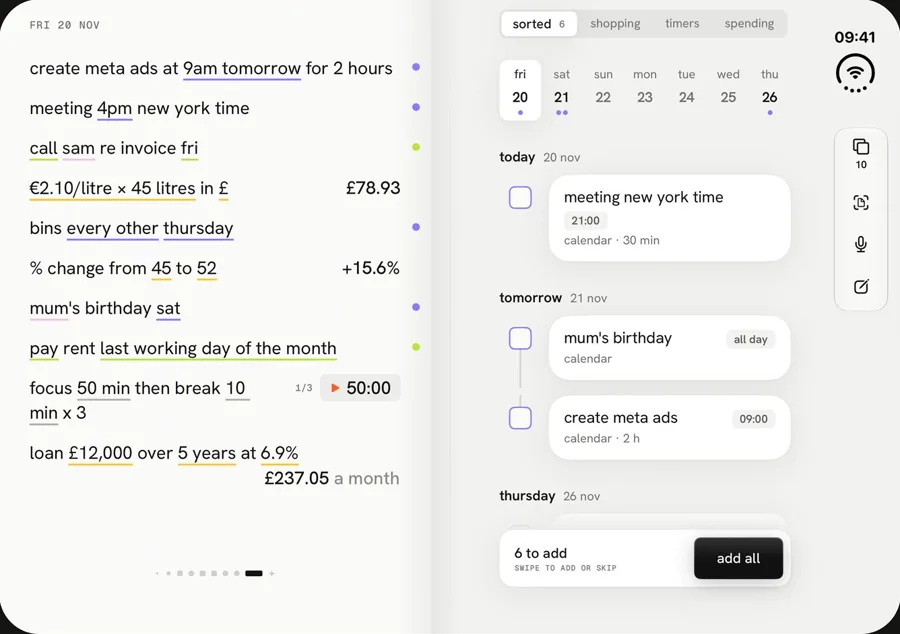
Jot on the cover screen, unfold to see it sorted, fold shut to add it to your calendar.
iPhone Duo support
Confirmed
Checked by hand against the App Store. Made this app? Get a badge
Screenshots
Screenshots from the App Store. Tap one to see it full size.
On iPhone Duo
Yes, tuck works on iPhone Duo. Support is confirmed in its App Store description for version 2.0, released Nov 23, 2026. It works on the cover screen, with the hinge as a control and in tabletop mode. It’s free on the App Store.
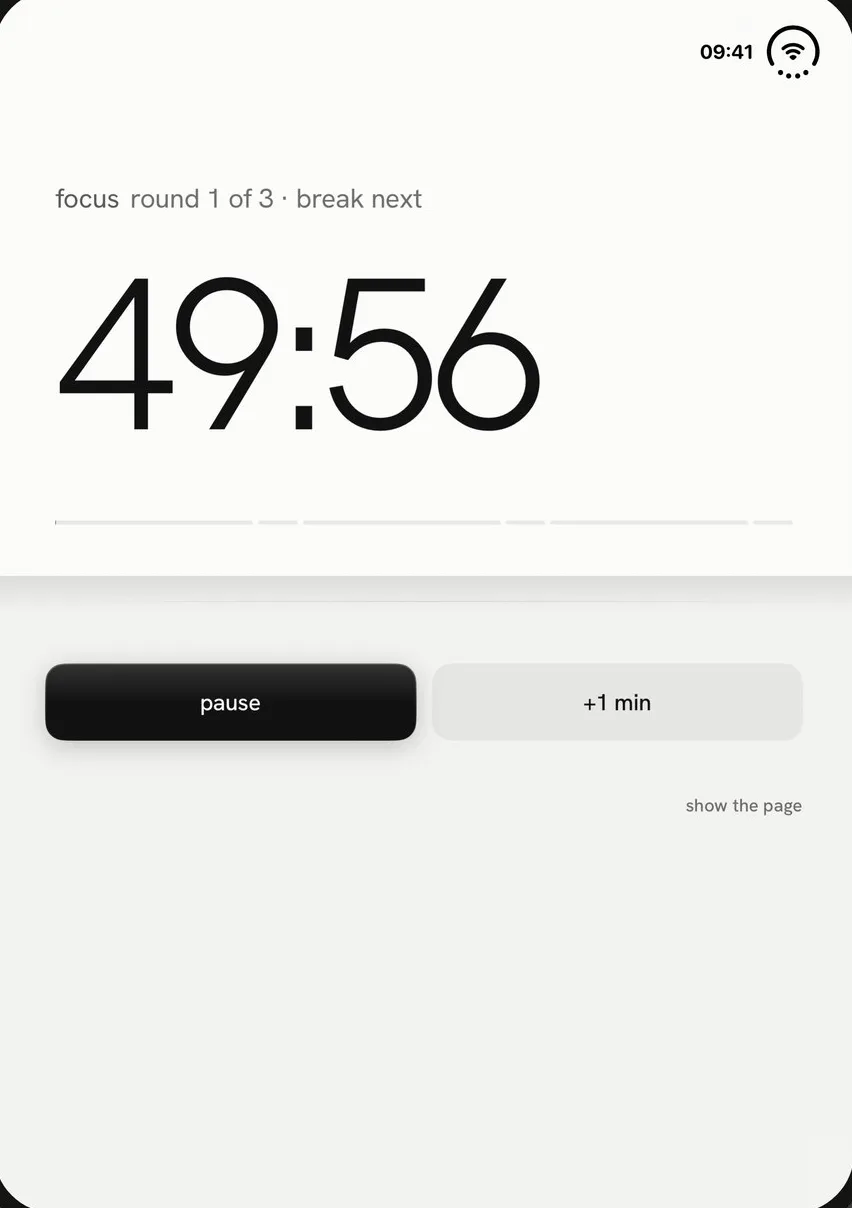
tuck is a notes scratchpad that reads each line as you write, turning “dinner w jo 7 fri” into a calendar event and “buy milk” into a to-do. On iPhone Duo you jot on the cover screen while it’s closed, then unfold to find every line sorted. Fold it shut and what you just saw goes into Calendar and Reminders, with undo right there on the cover. Stand it half open and a timer fills the top half.
Yes. iPhone Duo support is confirmed in the App Store description of tuck version 2.0, released Nov 23, 2026.
tuck is free to download. tuck Pro adds scanning, voice notes and asking across pages, as a monthly or yearly subscription or a one-time lifetime purchase.
tuck works on the cover screen, with the hinge as a control and in tabletop mode (half folded and standing on its own).
tuck is made by Rehaan Patel and is in the Productivity category.